.png)


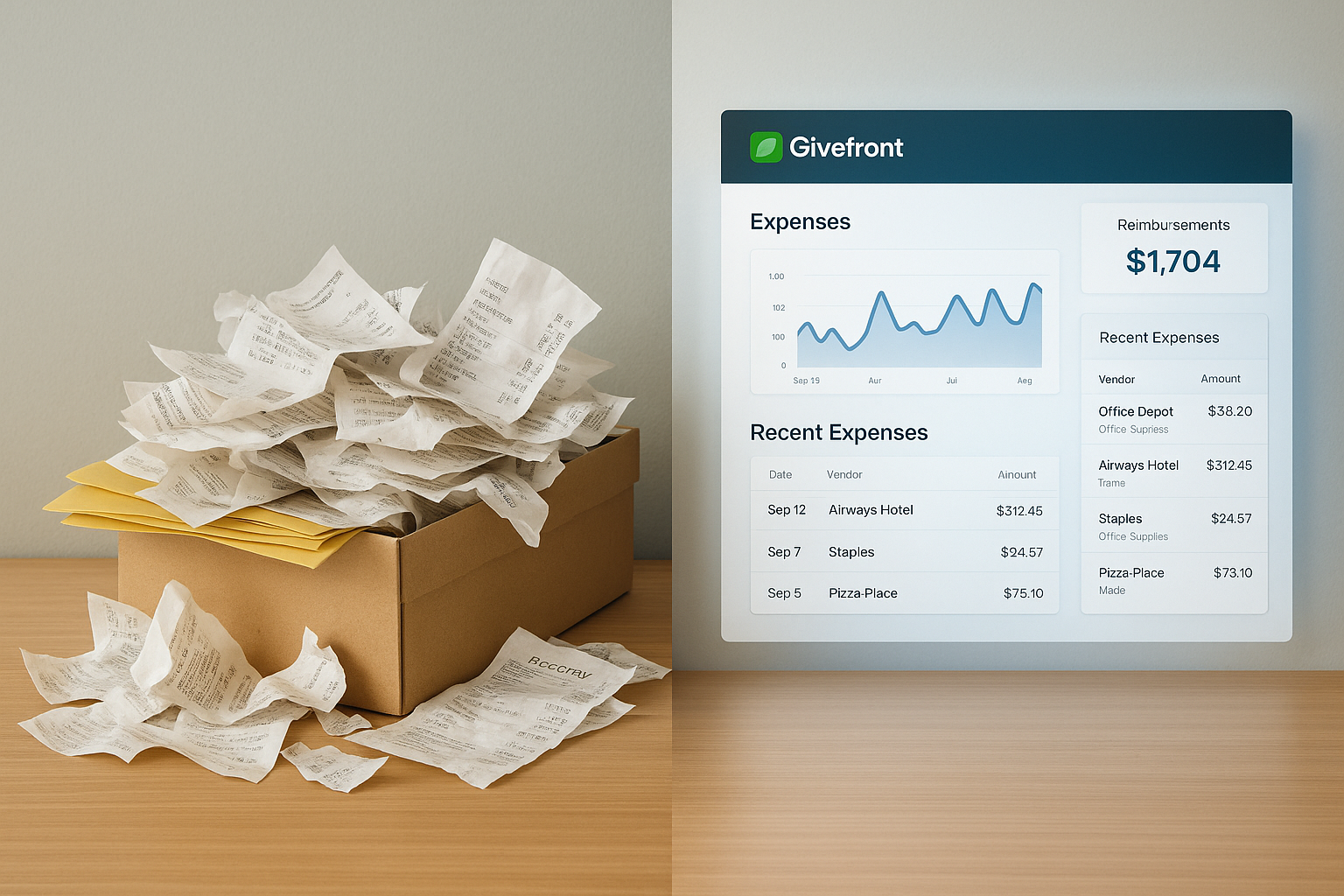
Nonprofits juggle many types of budgets. Programs, events, grants, projects, travel, and day-to-day operations all pull from different funding sources, each with its own rules. Tracking these manually or across spreadsheets makes it hard to know what is available, what has already been spent, and where funds should come from next.
Budgeting on Givefront brings all of this into one place. Organizations can create budgets that match how they actually operate and see spending update in real time as staff use their cards.
Budgets can be created for almost anything your organization manages:
You can set a rolling period or choose custom start and end dates. This gives you complete control over how you organize and track your funding.
Many nonprofits have layers within a single funding source. Budgeting supports sub-budgets to help you separate program areas, grant line items, or event categories.
You can also assign spending access to specific people. This keeps each budget clear, controlled, and tied to the right staff members. It also allows teams to manage their own budgets without opening access to the entire organization.
Every card can have a default budget. When someone spends from their card, the transaction automatically applies to the right budget with no extra steps. Setting default budgets helps reduce the manual coding work that usually happens at the end of the month.
Users who have access to a budget can allocate transactions directly from the Givefront platform or by replying to the text message they receive after purchasing. By setting text based allocations, organizations can have a smooth workflow that fits programs, volunteers, part-time staff, and anyone working in the field.
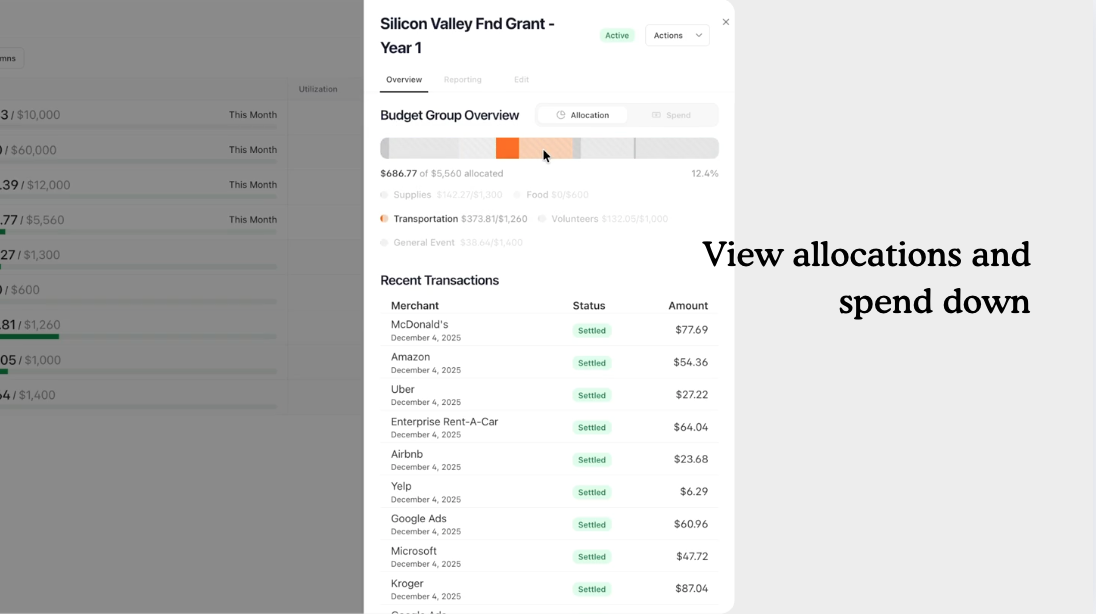
Budgets update the moment a transaction comes in. Teams get a clear view of how much remains, how much has been used, and where the money is going. Insights help you catch overspending early, stay aligned with grant requirements, and prepare cleaner financial reports.
No waiting for month-end. No digging through spreadsheets. Just instant clarity.
Set up your first budget and see how Givefront helps programs stay organized, funders stay informed, and your team stay on track.


.png)
.png)

.png)


.png)

.png)
.png)